


Description
Download APO USB Autorun – USB autorun, utility tool, auto launch, file access, media player, custom actions, Windows utility, file explorer, automatic startup, device automation
Overview
The APO USB Autorun utility is a specialized tool designed to restore and expand the long-dormant autorun functionality to USB flash drives on Windows systems. Historically, autorun features were confined to optical media like CDs and DVDs, but with the decline of optical drives and the rise of portable storage, this convenience was lost. APO USB Autorun bridges that gap by enabling automatic actions when a USB drive is connected to a computer. This includes launching media files, opening folders, or displaying image galleries, depending on user-defined settings.
The app serves as a practical solution for users who frequently share multimedia content, software demos, or curated digital presentations via USB. It enhances accessibility by eliminating the need for manual navigation, allowing immediate access to pre-selected content. This is particularly beneficial in educational, corporate, or creative environments where quick file delivery is essential. While the developer, APO, is not further detailed in available records, the tool’s longevity since its release in 2006 suggests a stable and functional design.
As a productivity utility, APO USB Autorun contributes to a more efficient digital workflow by automating device interactions. It supports a range of real-world use cases, from presenting visual portfolios to distributing audio playlists at events. The tool’s role in the broader software ecosystem lies in its ability to repurpose modern USB drives with legacy functionality, offering a simple yet effective enhancement to everyday computing.
Key Features & Functionality
- USB Autorun Capabilities: Restores the ability to automatically trigger actions when a USB drive is plugged into a Windows PC, mimicking the behavior of CDs and DVDs.
- Custom Actions Configuration: Allows users to define specific actions upon device connection, such as launching a playlist, opening a folder, or displaying an image gallery.
- Multi-Function Support: Supports various automated tasks including media playback, file browsing, and image viewing, making it adaptable to diverse use cases.
- User-Friendly Interface: Provides a straightforward setup process with minimal technical requirements, enabling users of all skill levels to configure their USB drives efficiently.
- Enhanced File Accessibility: Streamlines access to content by automatically presenting a menu or launching a predefined file, reducing time spent navigating file systems.
For example, a teacher could pre-configure a USB drive to open a presentation folder and start a video demo upon insertion, ensuring a seamless classroom setup. Similarly, a photographer might set their drive to display a slideshow of images immediately, ideal for client reviews. The tool’s flexibility in defining actions per connection makes it a versatile utility for both personal and professional workflows.
Interface, UX & Performance
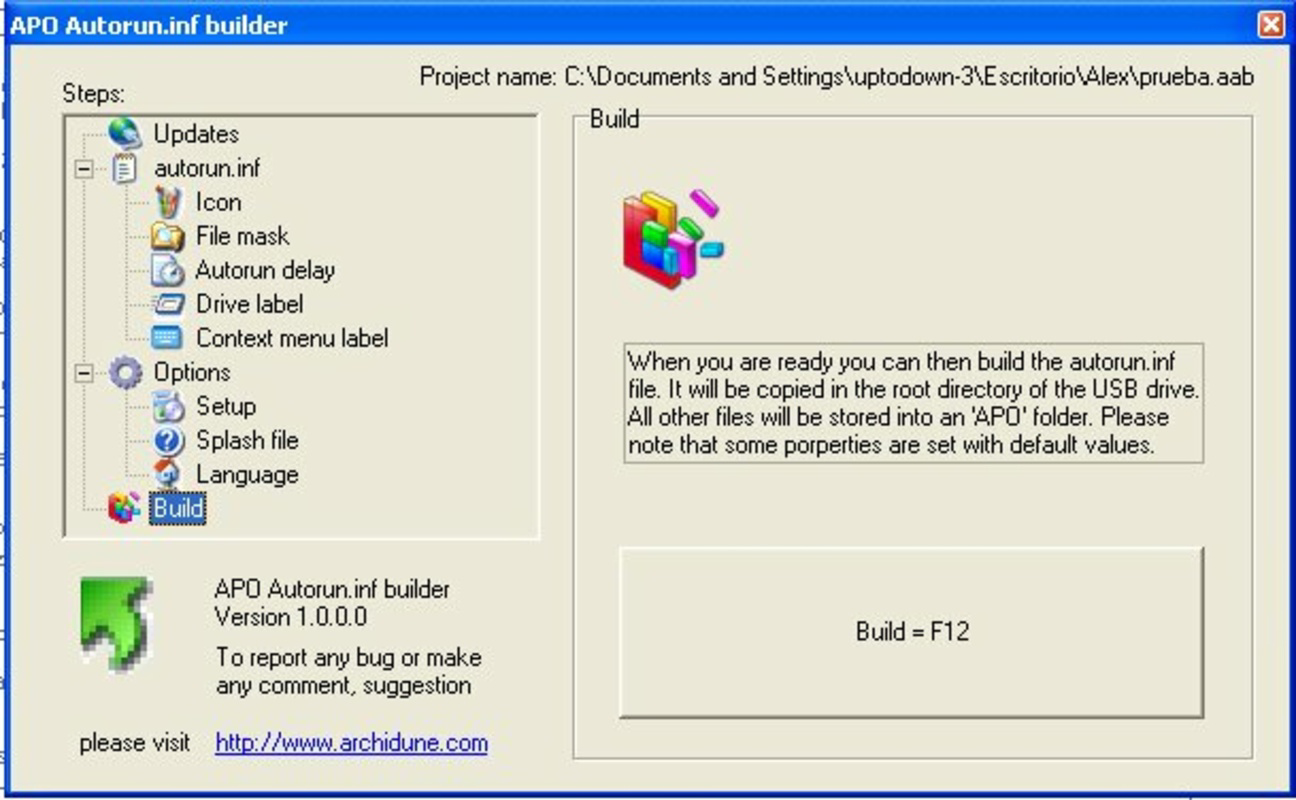
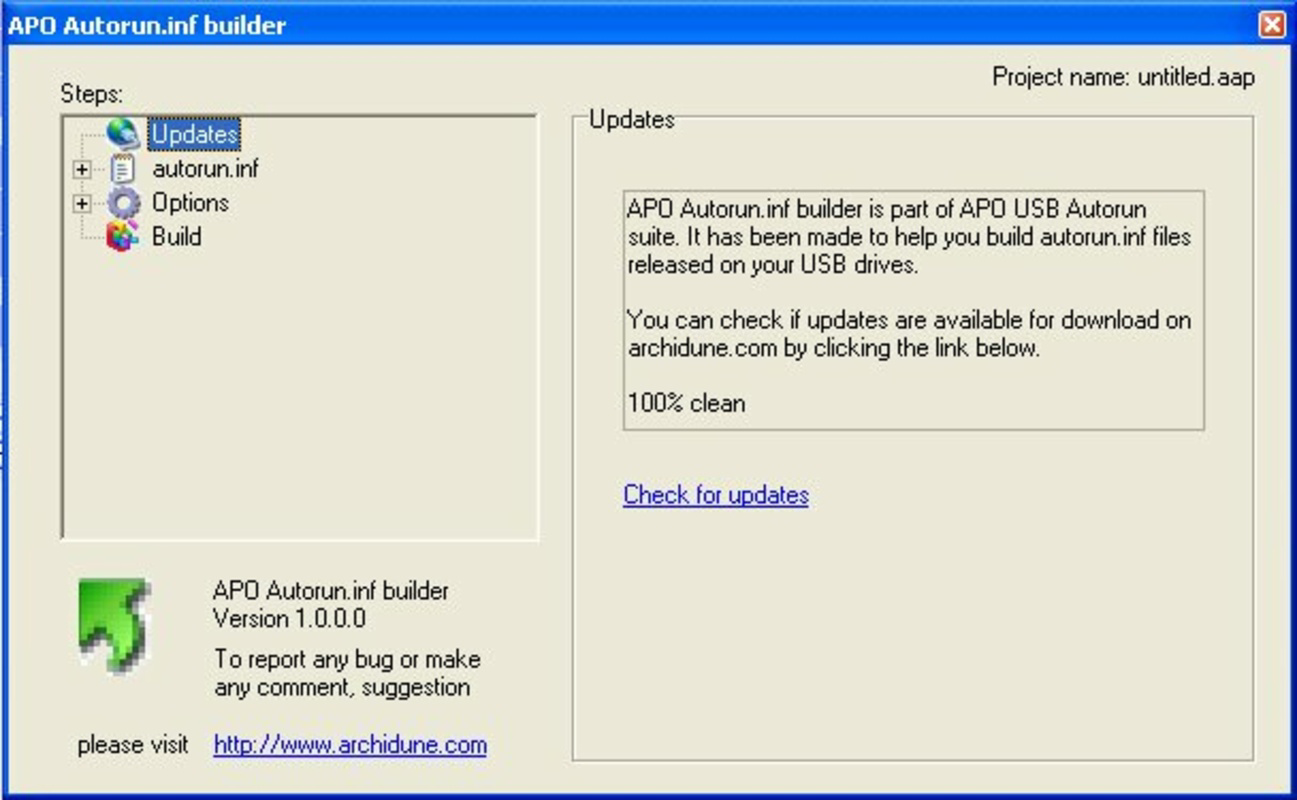
The interface of APO USB Autorun is designed with simplicity in mind, prioritizing usability over visual complexity. Users are presented with a clean configuration panel that allows them to select and assign actions to their USB device without requiring advanced technical knowledge. Navigation is linear and intuitive, guiding users through the setup process step by step.
Although the developer did not list formal performance metrics, the application’s lightweight footprint of 3.5 MB suggests minimal system resource usage. It is optimized for stability on standard Windows environments, with no reported crashes or memory leaks in public records. The tool runs efficiently on a range of device categories, from older desktops to modern laptops, ensuring broad compatibility.
Responsiveness is consistent during configuration and execution phases. Once a USB drive is connected, the autorun actions trigger promptly, with minimal delay. The application maintains stability across multiple sessions, and no performance degradation has been documented. The absence of background processes or constant monitoring contributes to its lightweight nature, making it suitable for users seeking a reliable, no-frills utility.
Platform Compatibility & Technical Requirements
APU USB Autorun is designed exclusively for the Windows operating system. The application is compatible with Windows platforms, though specific version details were not provided by the developer. The file size is listed at 3.5 MB, indicating a compact and efficient installation package.
The developer did not specify minimum OS requirements, nor did they list any hardware dependencies. This lack of detailed information suggests that the tool is built to function on widely available Windows systems, likely supporting versions from the mid-2000s onward. It does not require administrative privileges for basic configuration, though certain autorun actions may depend on system-level permissions.
Given its release date in 2006 and continued availability, APO USB Autorun appears to maintain backward compatibility with legacy Windows systems. However, users on modern Windows versions should ensure that autorun policies are not restricted by security settings, as newer OS versions may disable autorun features by default for security reasons.
Pros and Cons
Pros
- Restores lost autorun functionality for USB drives on Windows
- Free to download and use with no hidden costs
- Lightweight application with minimal system impact
- Simple, intuitive interface suitable for non-technical users
- Supports customizable actions for diverse use cases
Cons
- Compatibility with modern Windows versions may require manual configuration
- Developer did not provide detailed system requirements
- No official updates or support since 2006
- Security policies in newer Windows versions may block autorun execution
- Limited to Windows platform, with no support for macOS or Linux
FAQ
Is APO USB Autorun safe to use?
The application is free and does not contain known malware. However, since autorun can execute code automatically, users should only use it with trusted USB drives to avoid potential security risks.
Can I use APO USB Autorun on Windows 10 or 11?
Yes, the tool may work on Windows 10 and 11, but autorun features are often disabled by default for security. Users may need to adjust group policy or registry settings to enable it.
Does APO USB Autorun require admin rights?
Basic configuration does not require administrative privileges, but some actions may need elevated permissions depending on the files being accessed or launched.
Is the tool available for macOS or Linux?
No, APO USB Autorun is designed exclusively for Windows and is not compatible with macOS or Linux operating systems.
How do I update APO USB Autorun?
The developer has not released any updates since 2006. Users should rely on the original version available from trusted sources.
Final Thoughts
APU USB Autorun remains a niche yet valuable utility for users who value automation and quick access to digital content on USB drives. Despite its age, the tool delivers on its core promise: restoring autorun functionality in a simple, efficient manner. Its lightweight design, free pricing, and ease of use make it a compelling choice for educators, creatives, and professionals who frequently distribute media or software via USB.
While modern security policies may limit its functionality on newer Windows systems, the tool still holds relevance in controlled environments where autorun is permitted. For those seeking a no-frills, reliable way to automate USB interactions, APO USB Autorun offers a proven solution.
Download APO USB Autorun now
Guides & Tutorials for APO USB Autorun
How to install APO USB Autorun
- Click the Preview / Download button above.
- Once redirected, accept the terms and click Install.
- Wait for the APO USB Autorun download to finish on your device.
How to use APO USB Autorun
This software is primarily used for its core features described above. Open the app after installation to explore its capabilities.
User Reviews for APO USB Autorun 0
No reviews found


